The desk and the van
The product, as the office and the crew actually use it.
One job record. A customer message becomes a drafted request, a person approves, you assign by hand, and a phone app closes the loop.
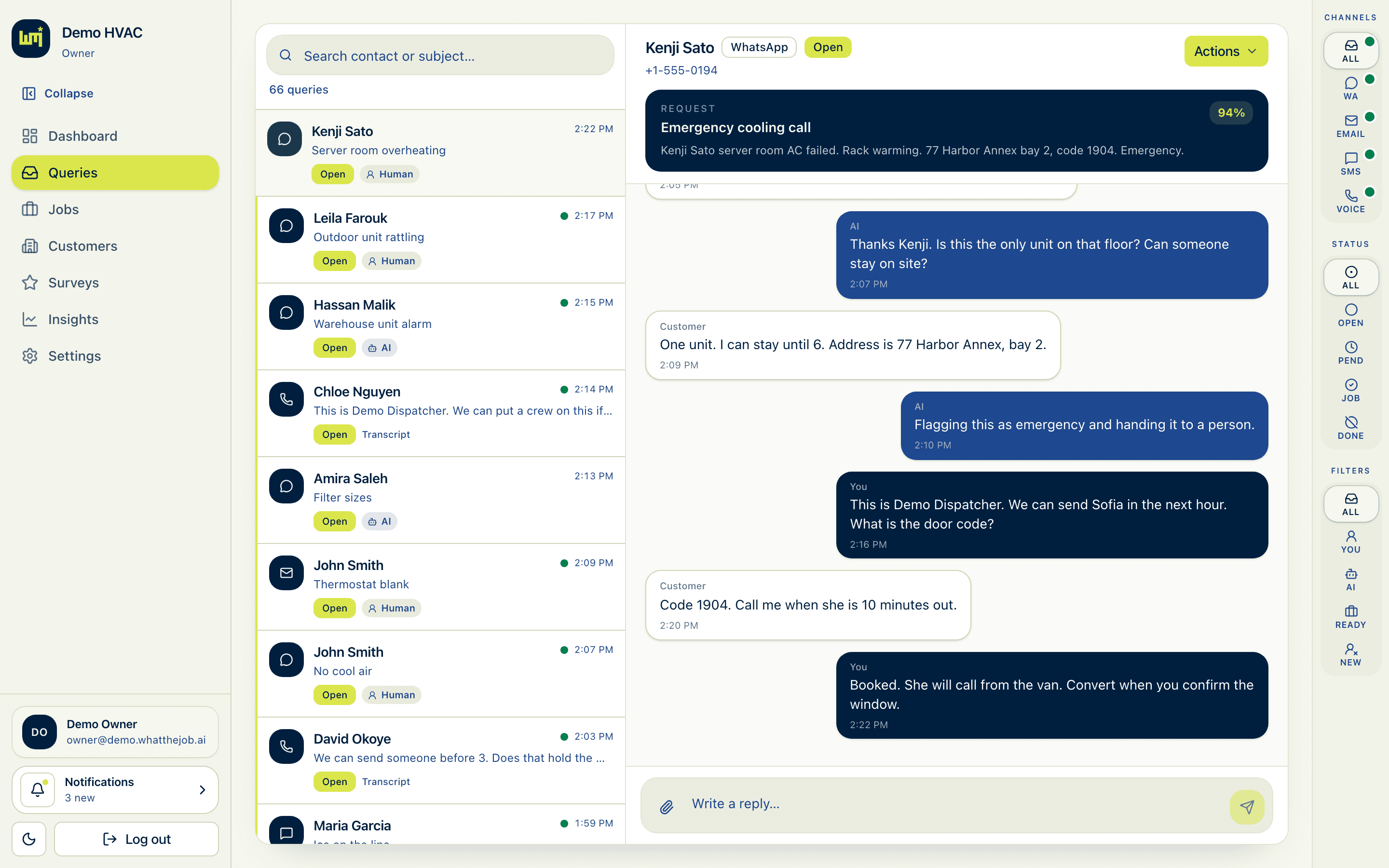
Inbox
One place for WhatsApp, SMS, email, and voice.
Threads land in Queries, tied to the business, not a personal phone. You see who needs a person, what AI is handling, and what is ready to convert. The raw conversation stays next to the draft.
Queries · triage, then convert
Dispatch
Jobs you can stand behind.
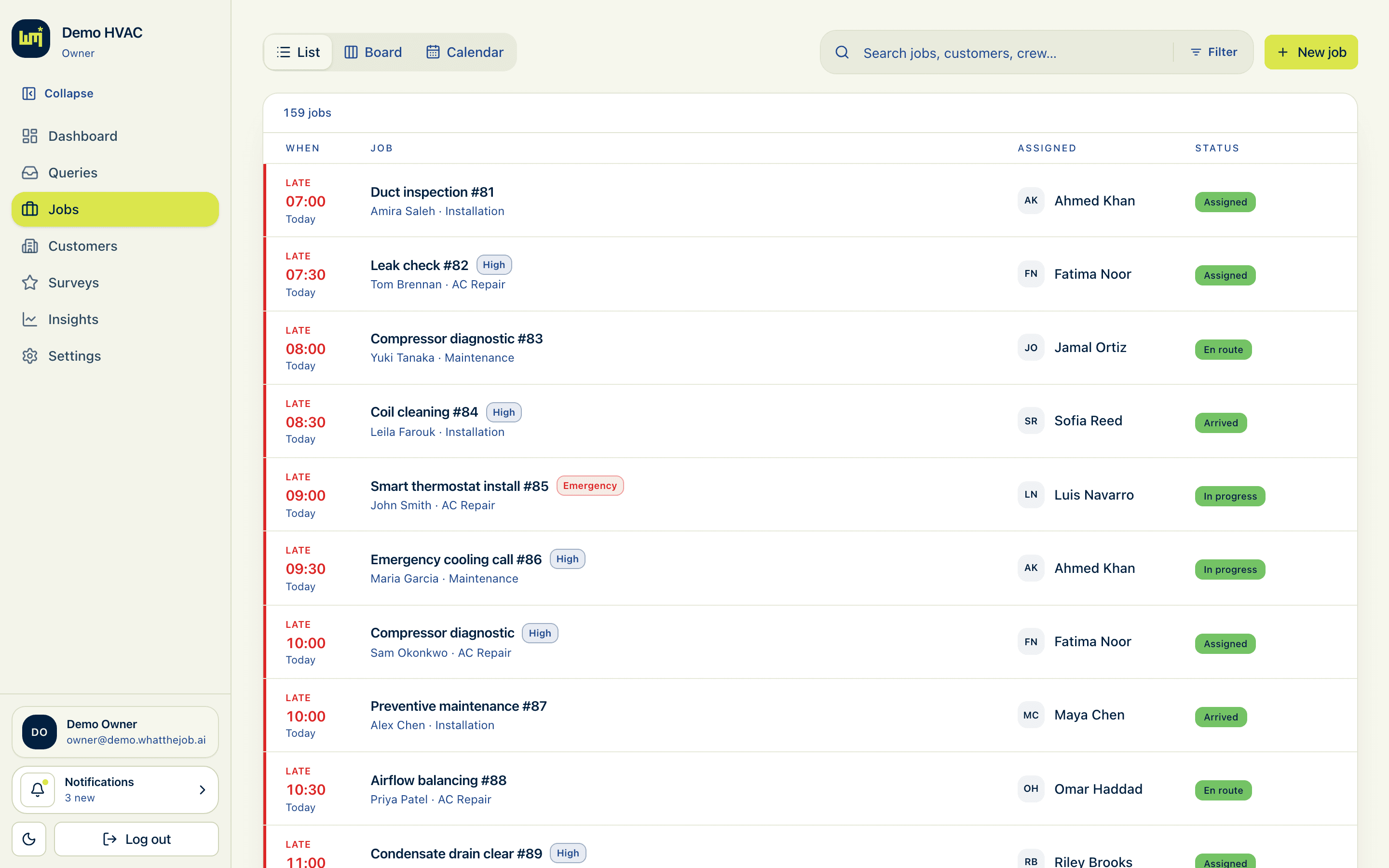
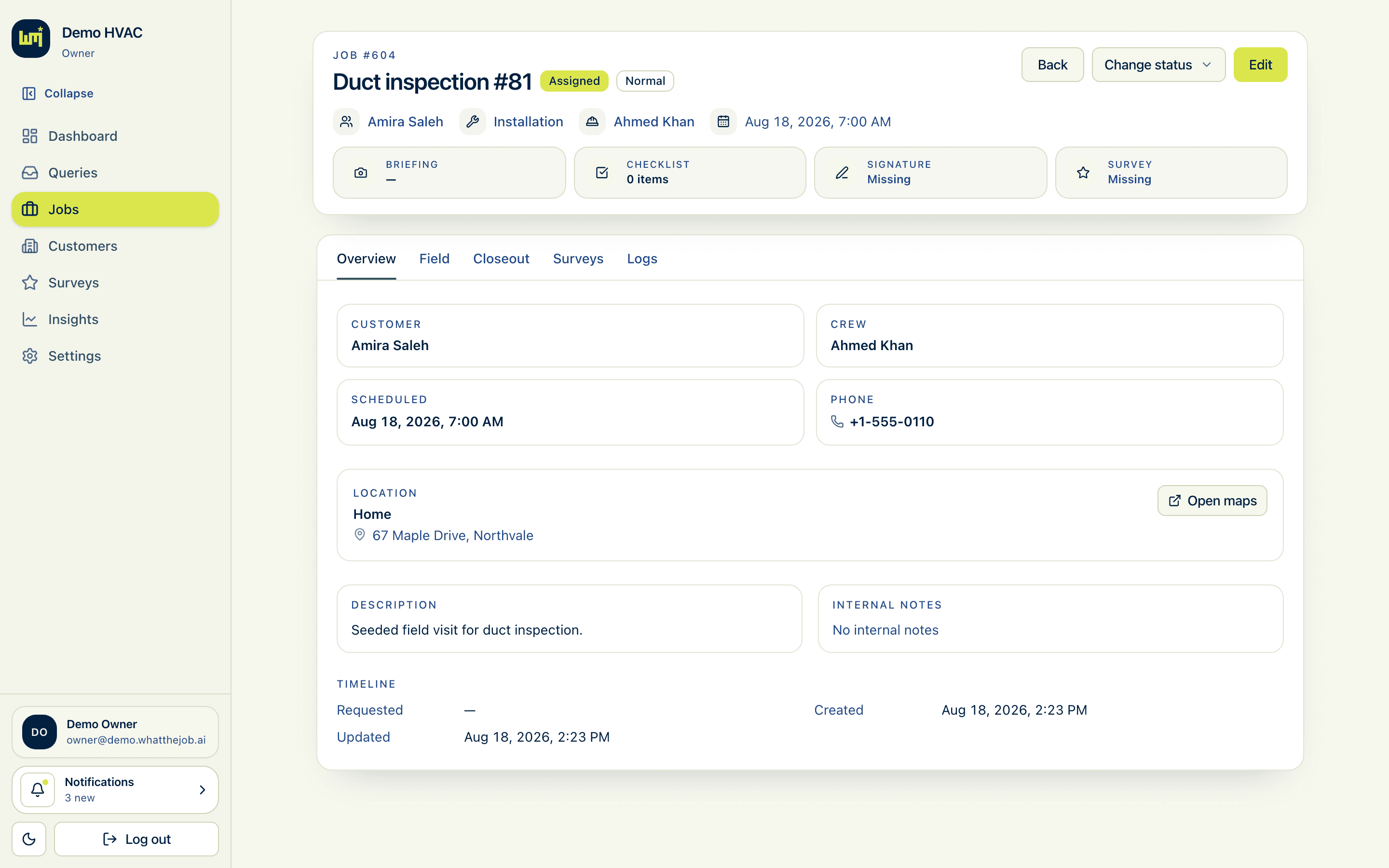
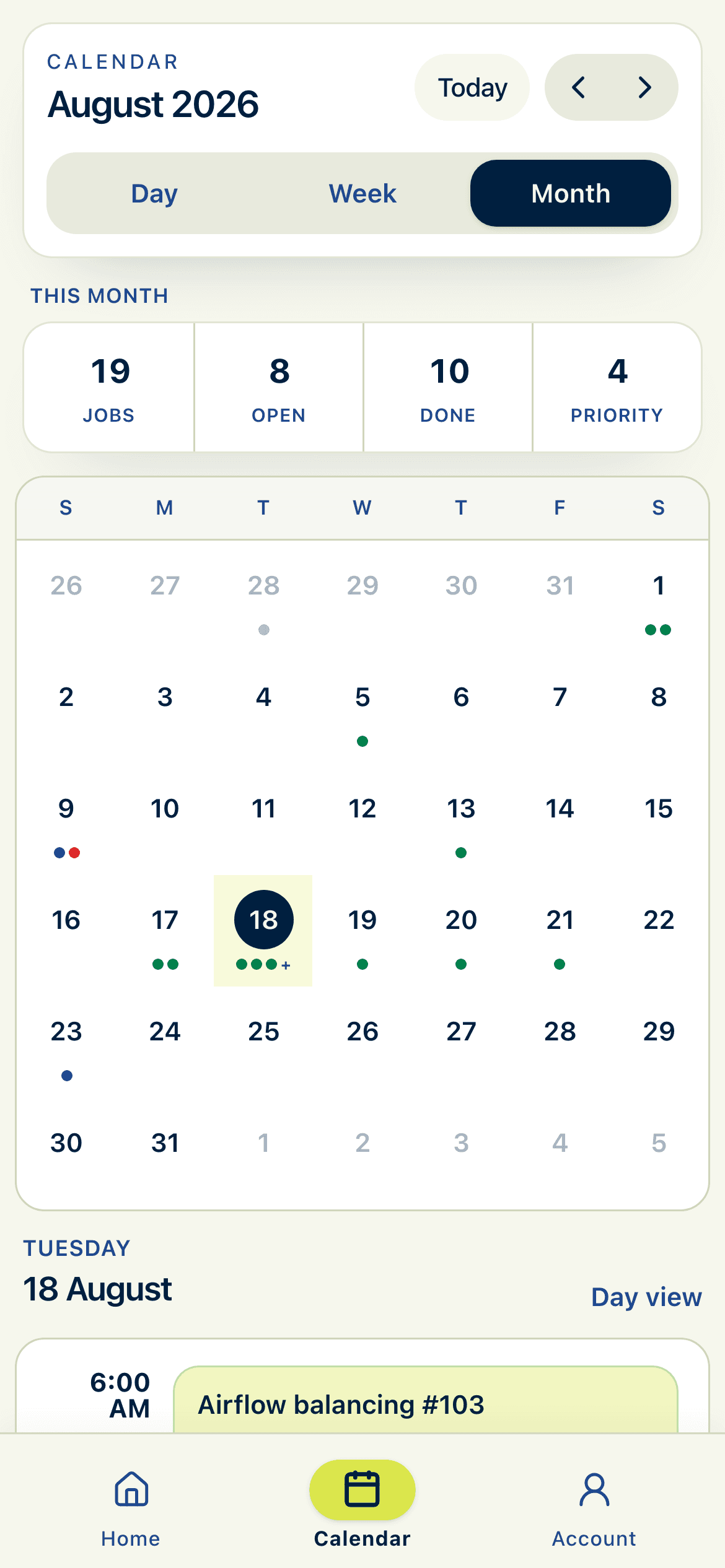
A job is the operational record: customer, site, service, window, crew, notes. List, board, or calendar, same work, different eyes.
You pick the person and the time. The model drafts the request. It does not send anyone.
Jobs · list
Job views
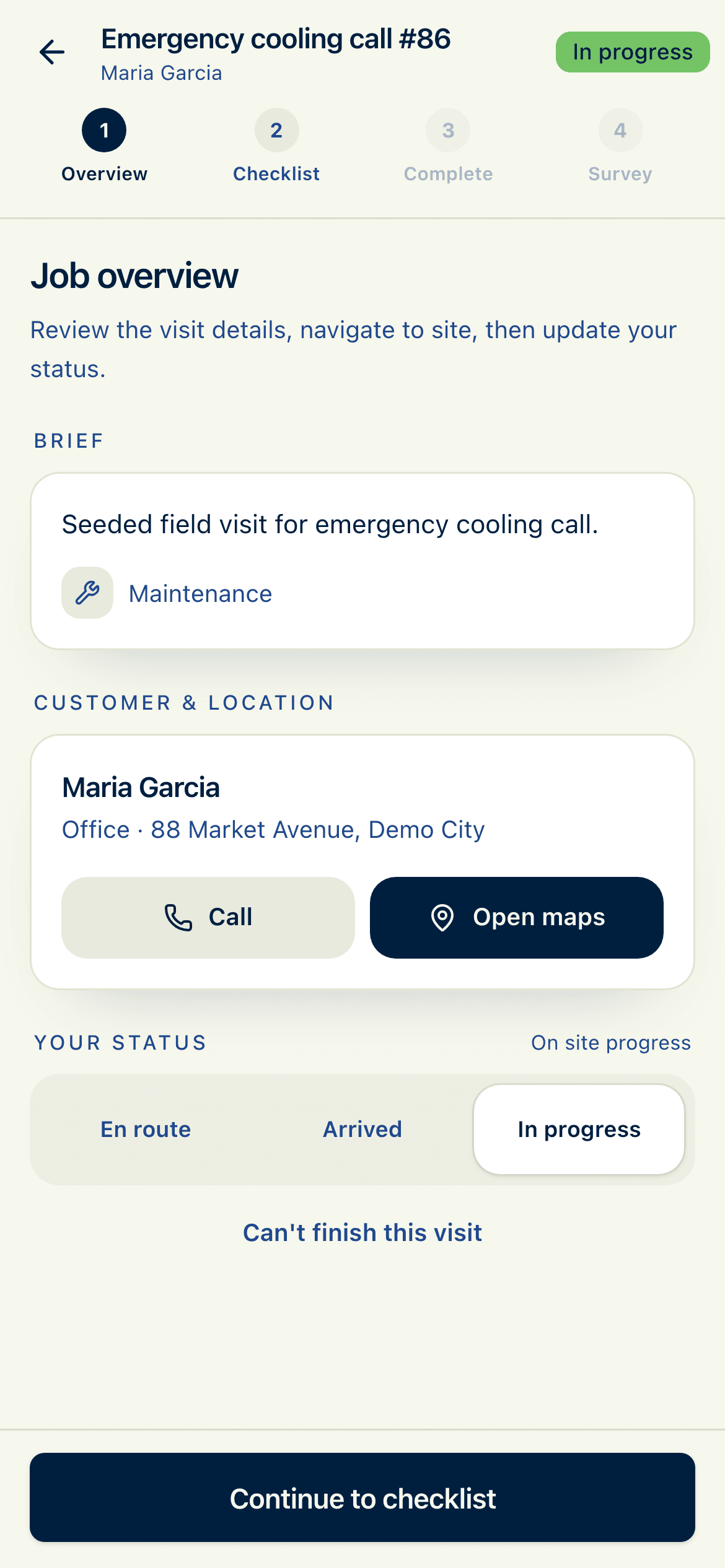
Job · briefing, field, closeout
Crew App
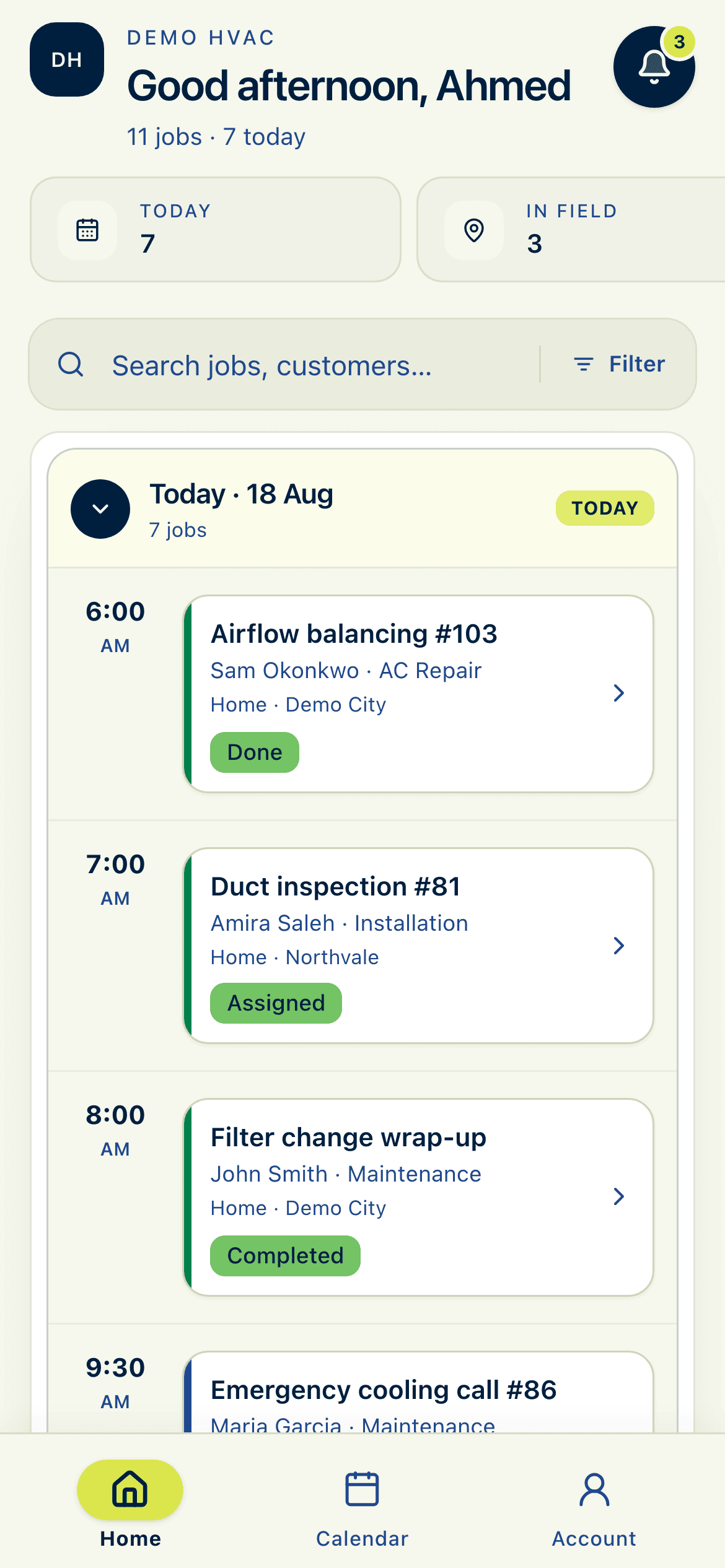
Today’s jobs. Then close them out.
A phone PWA assigned by the company. Open the job, call or map to the site, update status, run the checklist, capture photos and a signature, mark it done. There is no extra portal for the end customer.
Directory
Customers and the crew stay with your company.
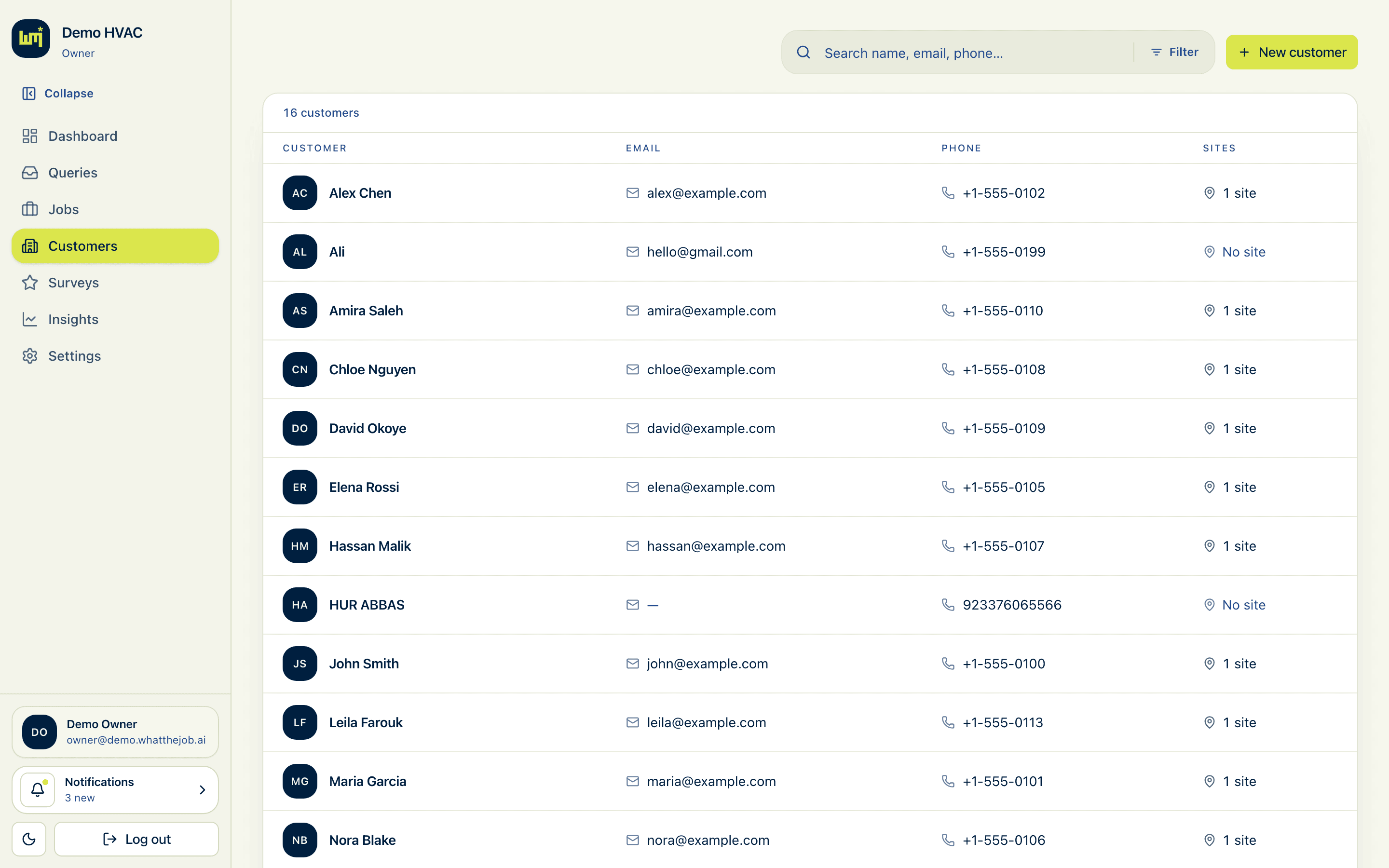
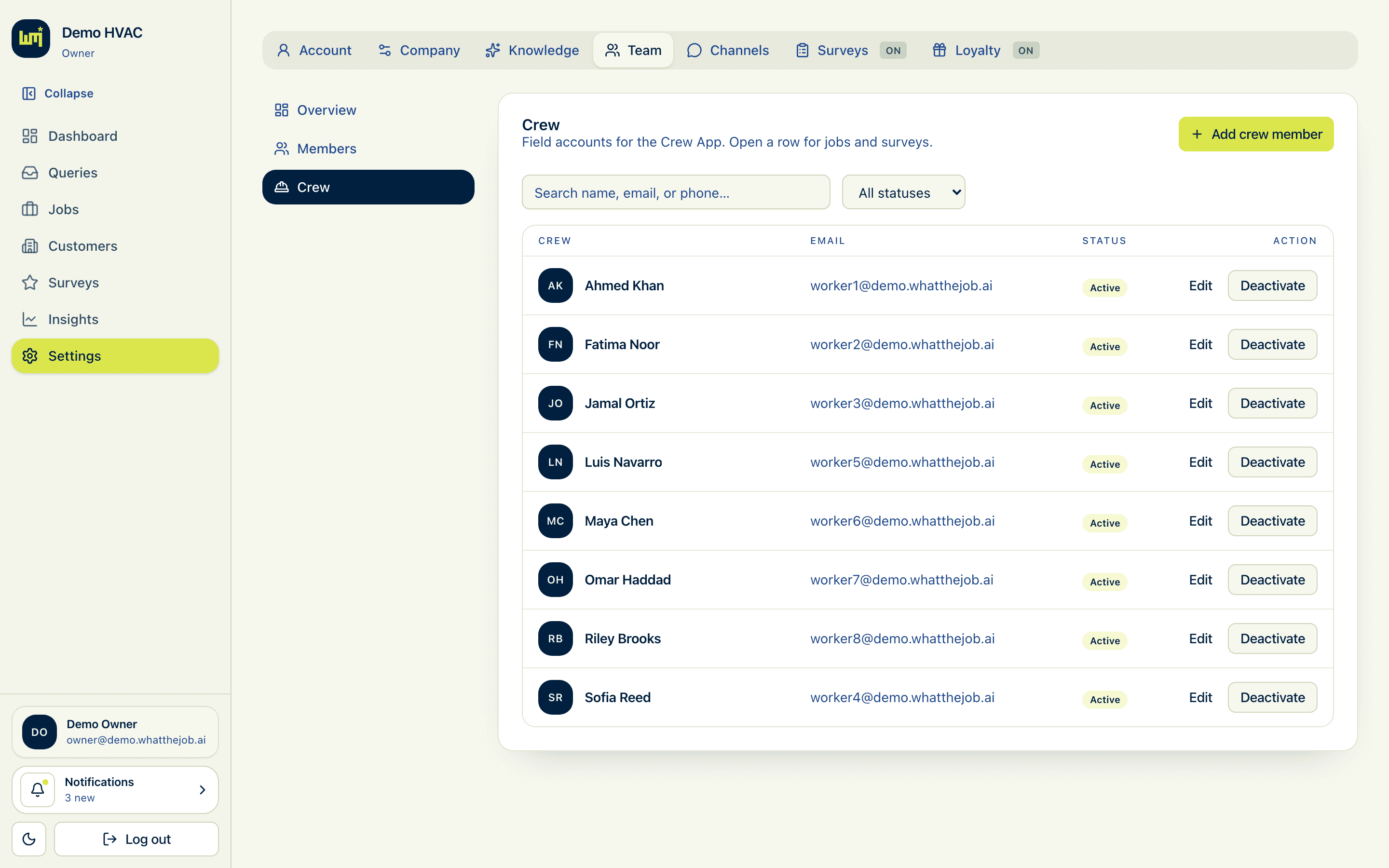
People, sites, conversation history, job history, not a private address book. Crew members are accounts you create. They sign in on the Crew App, not this desk.
Customers · people and sites
Crew · roster for assign
Insights · owners and admins
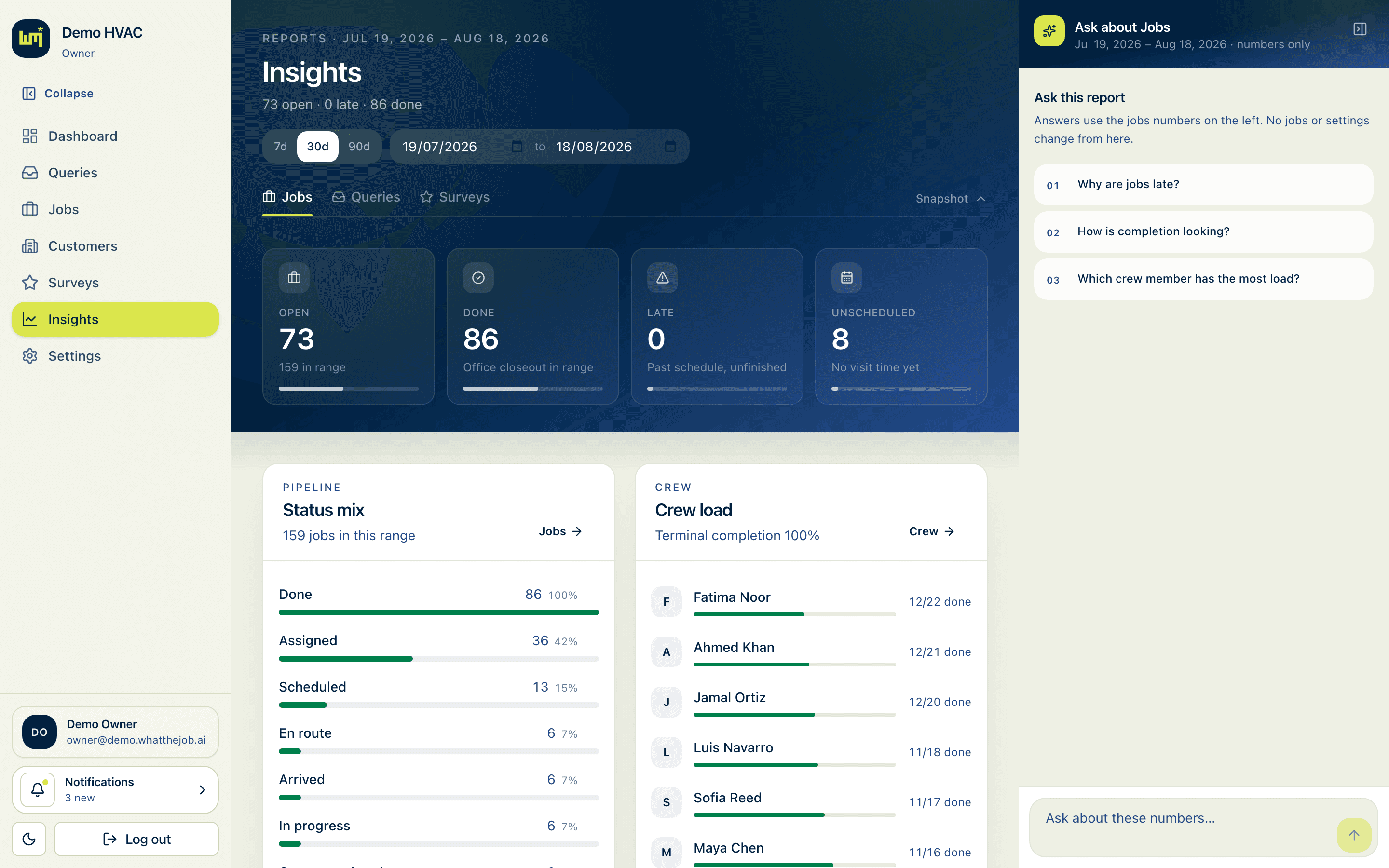
Insights
Ask what the week actually did.
Open, completed, late, unscheduled. Status mix. Crew load. A panel to ask about the numbers in language, not a warehouse of charts.
Insights stay with owners and admins. The dispatcher’s job is the inbox and the assignment.
Channels
Meet the customer where they already write, or call.
All four land in the same operational inbox. AI drafts. A person still converts.
WhatsApp
The thread most crews already live in. Incoming messages become conversations in Queries, not a second inbox on a personal phone.
SMS
A text is still a request. It lands in the same inbox, next to WhatsApp and email. Same draft. Same human gate.
Email
A longer brief still has to become a job someone owns. One operational inbox, one job record, one crew assignment.
Voice
A call becomes a thread in the same inbox. AI drafts the request. A person still approves before anyone is sent.
After a job, an optional short survey can run on the Crew App (on by default). Optional loyalty points are a separate switch, off until you turn them on. Neither is the product.
See if it fits the crew.
Tell us how a request becomes a job today. We walk the inbox-to-job path if it fits.